IPTV Free Trial: Test Any Service Before You Subscribe
A free trial is the single most important step in choosing an IPTV provider. This guide tells you how to find one, what to test during it, and the warning signs that indicate a provider is not worth your money.
Why an IPTV Free Trial Is Non-Negotiable
The IPTV market operates differently from mainstream streaming platforms. When you subscribe to Netflix or Hulu, you know exactly what you are getting — the same catalog, the same apps, the same experience that millions of other subscribers have described in easily verifiable reviews.
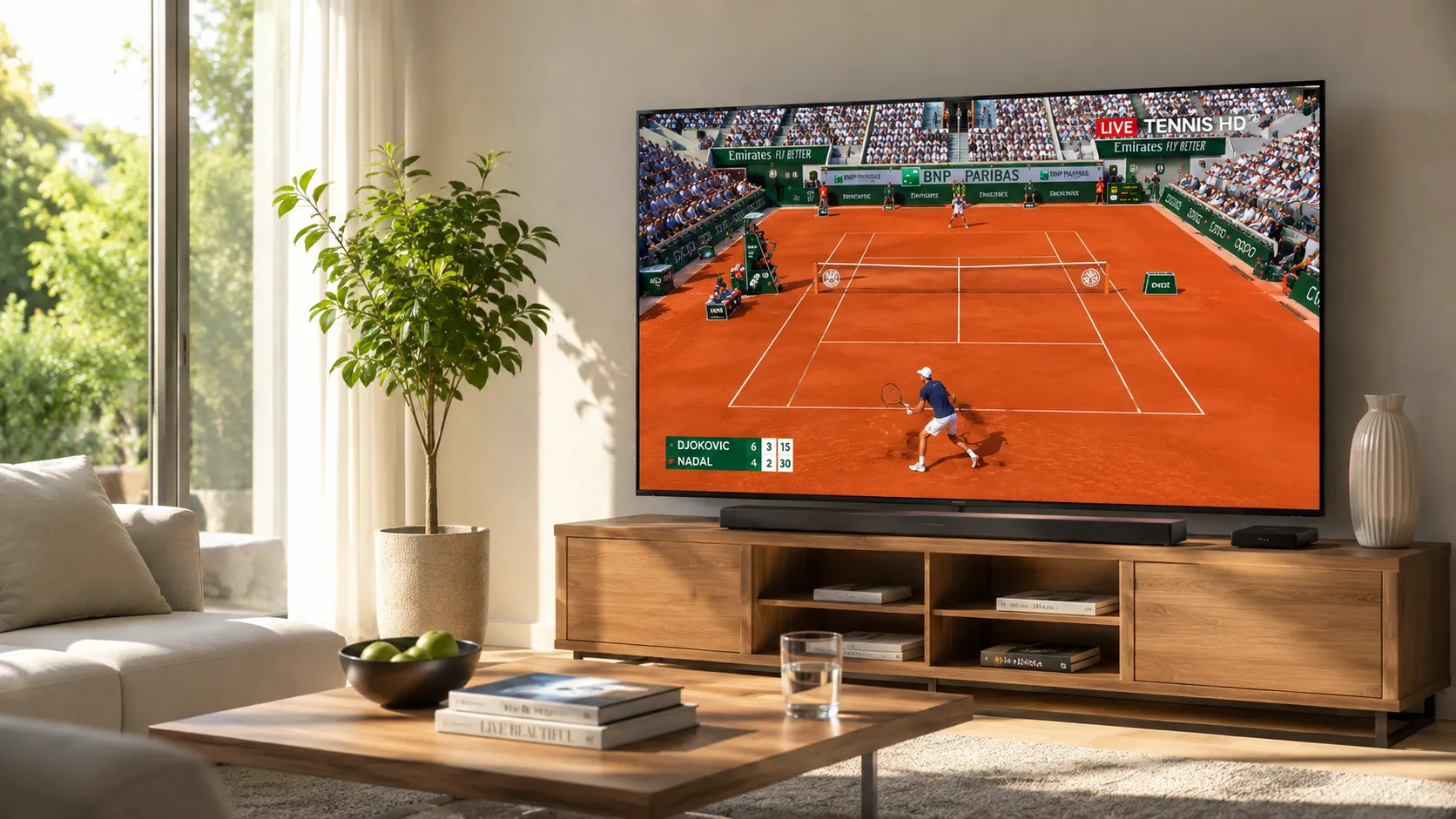
With IPTV providers, the reality is more variable. Stream quality, EPG accuracy, channel lineup completeness, and server stability can differ enormously between providers who use nearly identical marketing language. A provider who advertises "premium 4K streaming" might deliver it consistently, or might deliver it only on a handful of channels while the rest buffer at 720p during peak hours. The only reliable way to distinguish between these scenarios before paying is to test the service directly — on your device, with your internet connection, during the hours you typically watch.
A trial period also tests something money cannot replace: how a provider responds to support requests. Sending a support message during your trial and timing the response tells you more about long-term experience quality than any number of marketing claims.
Our provider evaluation guide covers the full framework for assessing IPTV services. The free trial is where you put that framework into practice.
How to Request and Activate an IPTV Free Trial
The process for activating an IPTV trial is straightforward, but the steps before activation matter as much as the activation itself.
Before contacting any provider, list the specific channels and content categories you genuinely need. US local network affiliates, regional sports networks, news channels, or specific international content — knowing this in advance lets you verify coverage during the trial rather than discovering gaps after paying.
Confirm which IPTV player app you plan to use and on which device. Some trial credentials may need to be configured differently depending on whether you use M3U URL or Xtream Codes input. See our IPTV players guide if you haven't chosen yet.
Request a trial through the provider's preferred contact method. Many providers manage trials through WhatsApp or a support ticket system. Explain your device type and the channels you want to verify — a good provider will confirm their coverage before activating the trial.
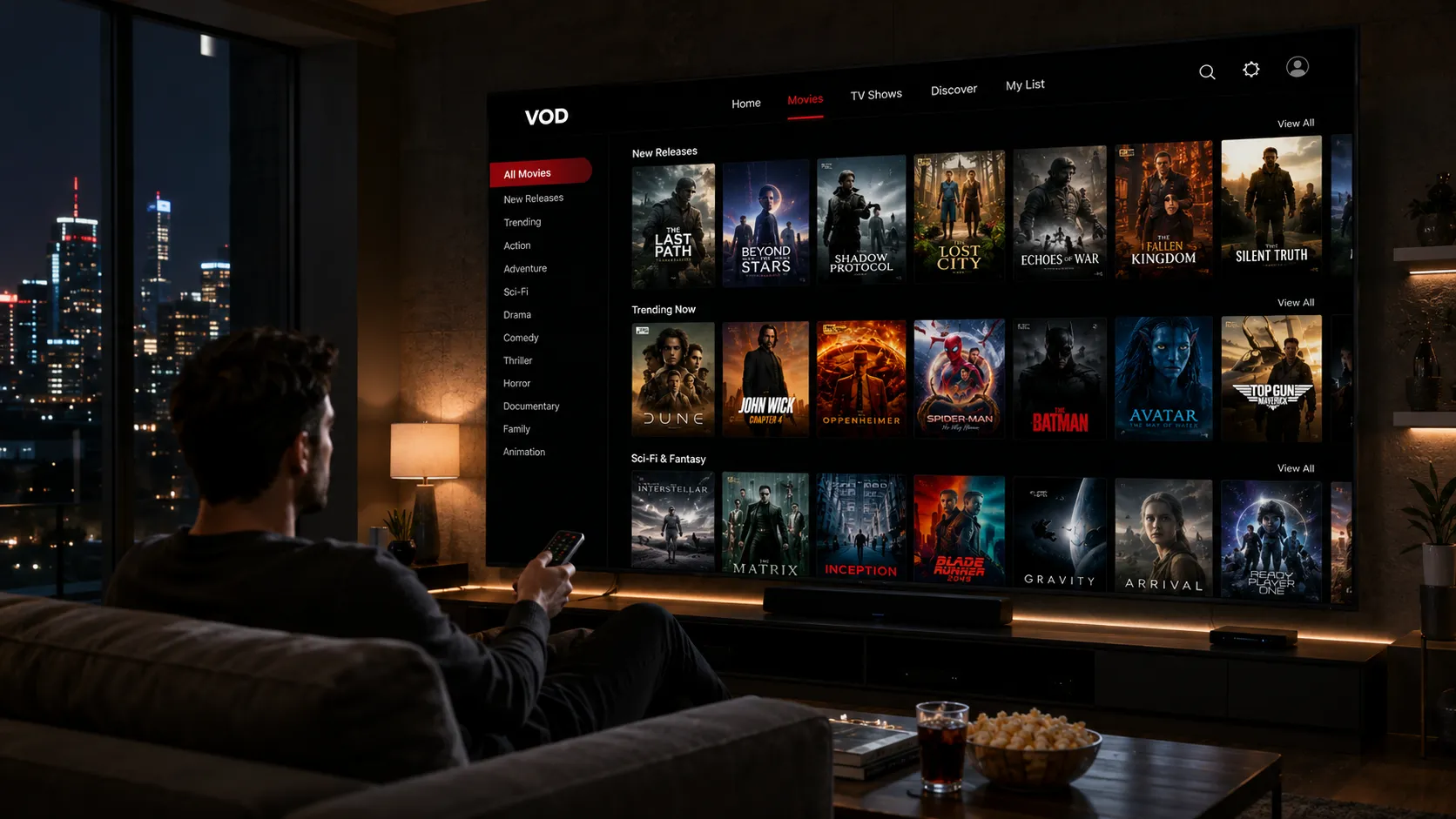
Always test trial credentials on the real device you plan to use — not just in a browser or on your phone if you plan to use Fire TV. Load the M3U URL into your actual player app and verify the full channel list imports correctly and channels play from the home screen.
Follow the checklist in the next section. Test during peak hours. Check EPG. Send a support message. Evaluate the experience honestly against your must-have list — not just whether it works, but how well it works under realistic conditions.
What to Test During Your IPTV Free Trial
Run through every item in this checklist before deciding whether to subscribe. Each category reveals a different aspect of long-term service quality.
What to Do When a Provider Doesn't Offer a Free Trial
Not all providers offer free trials, and the absence of one doesn't automatically disqualify them — some high-quality services rely on their reputation and word-of-mouth rather than offering blanket trial access. However, it does shift more research responsibility onto you before subscribing.
Look for Independent User Discussions
Seek out discussion communities where real IPTV subscribers share honest experiences — forums, Reddit threads, and similar spaces where both praise and criticism appear organically. Pay special attention to comments about peak-hour performance and support responsiveness, as these are the qualities that vary most between providers and that a trial would otherwise reveal. Be cautious about reviews on the provider's own website, which are curated by the provider.
Ask Detailed Pre-Sale Questions
A provider who answers detailed pre-sale questions specifically and promptly is demonstrating the kind of transparency and support quality you want in a long-term service relationship. Specific questions to ask: do they carry your local ABC/NBC/CBS affiliate in your area? How many simultaneous connections does your desired plan allow? What is their refund policy if quality is not as described? What IPTV players does their M3U URL work with?
Start with the Shortest Available Plan
If a provider has a strong reputation from independent sources and answers pre-sale questions well but does not offer a trial, start with a monthly plan rather than quarterly or annual. This limits your financial exposure while you evaluate the service over a full billing cycle. According to the FTC's guidance on subscription services, understanding exactly what you are signing up for and what the cancellation process is before subscribing protects you as a consumer — advice that applies directly to IPTV subscriptions.
Verify the Refund Policy Explicitly
Before subscribing without a trial, verify in writing what the provider's refund or cancellation policy is. Some providers offer a short money-back window (24–72 hours) even without a formal trial period. Others have no refund policy at all. Knowing this before subscribing is essential for making an informed financial decision.
Next Steps After a Successful IPTV Trial
If your trial passes the checklist, here are the most useful next steps to get fully set up.
Looking for specific provider recommendations for US viewers? This guide focuses on which services perform best for American channel lineups and viewing habits.
If budget is a priority, this guide evaluates which lower-cost IPTV services maintain acceptable quality and what to expect at different price points.
The parent guide to this article — covers the full framework for evaluating any IPTV provider beyond just the trial period, including pricing, EPG quality, and support.
After choosing a provider, this guide helps you pick the right player app to pair with your subscription on your specific device.
Want Help Requesting an IPTV Free Trial?
We can connect you with a trial for a service that matches your devices and channel needs. Reach out on WhatsApp — no commitment, no pressure, just honest guidance.
Frequently Asked Questions About IPTV Free Trials
Many reputable IPTV providers offer free trials ranging from 24 hours to 7 days. During the trial you get access to their full playlist so you can test stream quality, channel availability, EPG accuracy, and device compatibility before committing to a paid subscription. Providers who refuse to offer any form of trial should be approached with extra caution — a provider confident in their service quality typically has no reason to withhold trial access entirely.
Test the following during your trial: verify all your must-have channels are present and streaming; tune in during peak evening hours and, if possible, a major sports event; verify EPG data is accurate and correctly mapped; test the playlist on your actual device and player app rather than just a browser; send a support message and time the response; check VOD if that is relevant to your use. The trial checklist in this guide covers every category you should evaluate before subscribing.
IPTV free trial durations vary by provider. The most common trial periods are 24 hours, 48 hours, 3 days, and 7 days. A 24-hour trial is the minimum useful evaluation window, though a longer trial — 3 to 7 days — lets you assess performance across weekday and weekend viewing, including sports events that only occur on specific days. If a provider only offers a very short trial and you have concerns, ask whether an extension is possible before committing.
Not necessarily. A free trial typically gives full access to the provider's complete channel lineup and services for a limited period. A test line is often more limited — sometimes a single connection credential with reduced channel access — designed primarily to verify that your device and player app can connect to the provider's servers. A full trial is always more informative than a basic test line, so when given the choice, request full trial access rather than just a test line.
No trial does not automatically disqualify a provider, but it does mean more due diligence is required. Seek out independent user discussions, ask detailed pre-sale questions about channel lineup and device compatibility, verify the provider's refund policy explicitly before paying, and start with the shortest available subscription term (usually monthly) to limit financial risk. Providers with a long track record and strong independent reputation can sometimes justify the absence of a trial, but this is not a reason to skip research.
Refund policies vary between providers. Some offer a money-back window of 24–72 hours; others have no refund policy at all. This is why using a free trial before paying is so strongly recommended — it removes the scenario where you need a refund. Always read the provider's refund and cancellation terms before subscribing. If a provider has no refund policy and no trial, carefully weigh the information from independent sources before committing your money.
A standard email is appropriate for legitimate IPTV trial registrations since providers need a way to deliver your trial credentials. The concern is when a trial sign-up requests more information than necessary — physical address, phone number, or payment details before any paid commitment is made. Legitimate free trials require minimal personal information. Never provide payment details in advance for a service explicitly advertised as a free trial. If a form asks for payment before the trial begins, that is a subscription with a trial period, not a genuinely free trial.
Ready to Start Your IPTV Free Trial?
Reach out on WhatsApp to request trial access for a service that fits your devices and viewing preferences — we'll help you set it up and run the evaluation together.